Arrange with clips.
Drag sections around, duplicate a chorus or try a new intro without breaking what already works.
Sound without limits.
One creative environment for music production and DJ performance. Arrange a track, mix it, then play it out — without leaving the app.
macOS · Windows

Features
Production, DJ performance, waveforms and your sound library — pick the edition that's right for you.
PRO AUDIO Store
Production, DJ performance, waveforms and your sound library in one download for Mac and Windows.
macOS · Windows
Lay out ideas as clips on colour-coded lanes and build the song section by section.
Music Production
Compose, arrange, record and mix in one workspace. Every track, clip and fader stays a click away.
Drag sections around, duplicate a chorus or try a new intro without breaking what already works.
Channel faders and level meters sit under the timeline, so balancing a track never means switching windows.
Capture vocals and instruments straight onto a lane, then line them up against the beat grid.
Browse your samples and projects from the library panel and drop them in where you need them.
DJ Performance
Two decks, stacked waveforms and beat-aligned mixing — for the set you planned and the one you didn't.
Line up phrasing across both decks and see exactly where the beats meet.
Compare the incoming and outgoing track at a glance before you bring it in.
Finish a track in production, then play it out from the same app.
Waveform Engine
Colour by frequency, zoom into a single bar and follow the grid. Try it below.
Preview uses simulated audio data.
Creative Version Control
Branch off to try a new drop, compare versions side by side and merge back what works. Your original is always within reach.
Start an experiment from any point without touching the main project.
Flip between versions to hear which arrangement lands.
Bring the best ideas back into the main timeline.
Workflows
Apple Silicon, Intel Macs and 64-bit Windows.
Your installer is ready the moment you pay.
Download the newest build anytime from My account.
One account for your orders and downloads.
UPI, cards, netbanking and wallets via Razorpay.
Create. Perform. Innovate.
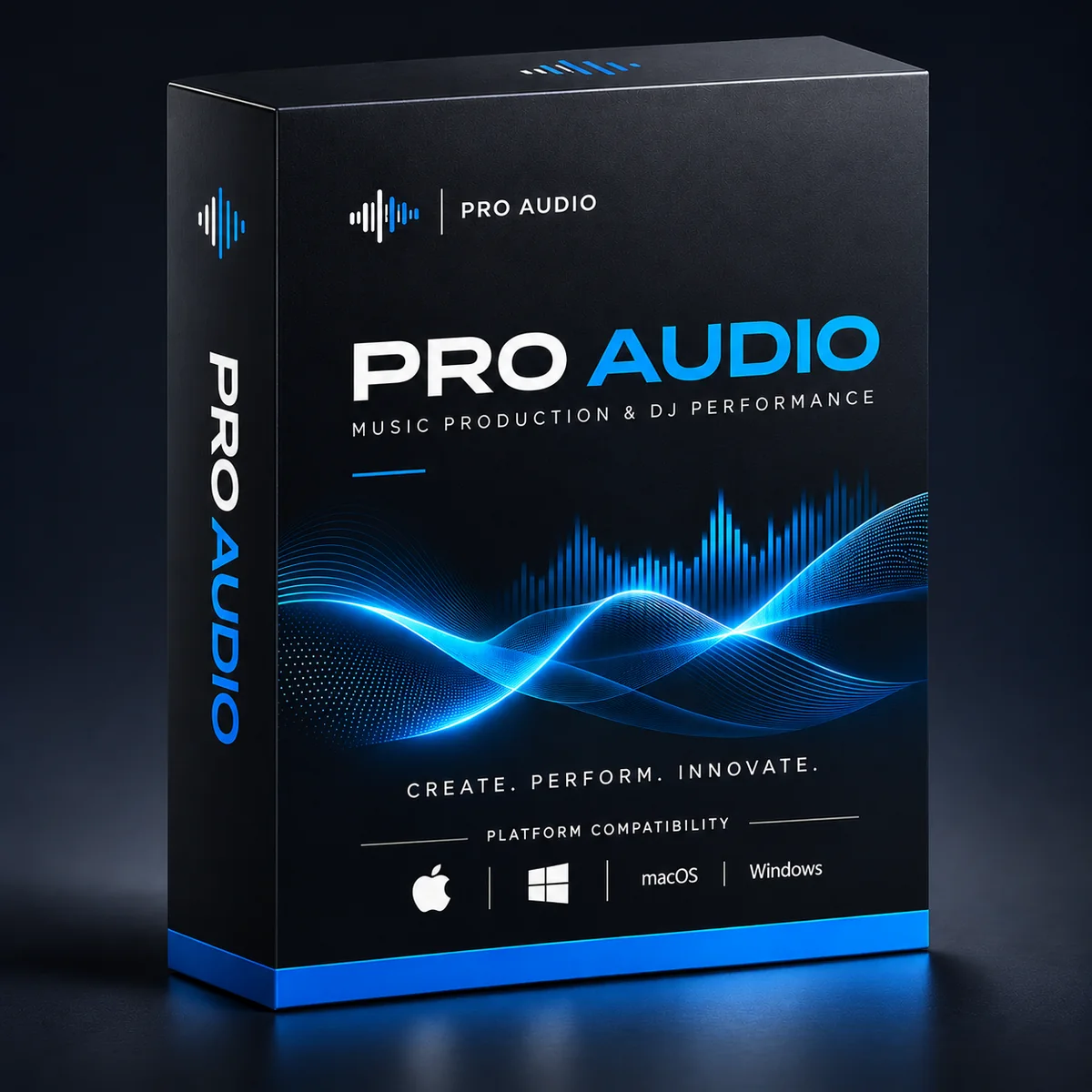
macOS · Windows · Prices include taxes
Macs with Apple Silicon or Intel processors, and 64-bit Windows PCs. After you pay, the store detects your computer and offers the right installer, and you can always pick a different one.
The download starts on the confirmation screen. Your purchase is also saved to your account, so you can sign in later and download again.
Yes. Sign in and open My account to download the latest version for Mac or Windows.
Your purchase is linked to your Google account, so your downloads and order history are always available. We only receive your name, email address and profile picture.
UPI, debit and credit cards, netbanking, wallets and EMI, processed securely by Razorpay. Prices are in Indian rupees and include taxes.
See our refund policy or contact us with your payment ID.